
Last time we looked at PWA technology and its advantages over mobile apps. If you haven't read that article, you can read it by clicking HERE.
At the end I said I would soon prepare an example to help project leads who struggle with this question. Looking at it, project leads will be able to decide whether to start with a mobile app or a PWA. That example is now ready. Meet Yeyinti.com.
Yeyinti.com is an online food ordering system built with PWA technology. In this article we'll get to know PWA features up close through yeyinti.com. Anyone can visit and look around the system, and I'll also try to show it here with screenshots.
As we said last time, the biggest advantage of PWA technology is that it can be installed on every device with browser support and work like an app. Screenshots explain this better.
This is how it installs on a computer: When you open a website built as a PWA, unlike other sites, a plus sign appears in the address bar at the top. We click that sign and choose the install button. That's it — the app is now on the computer.
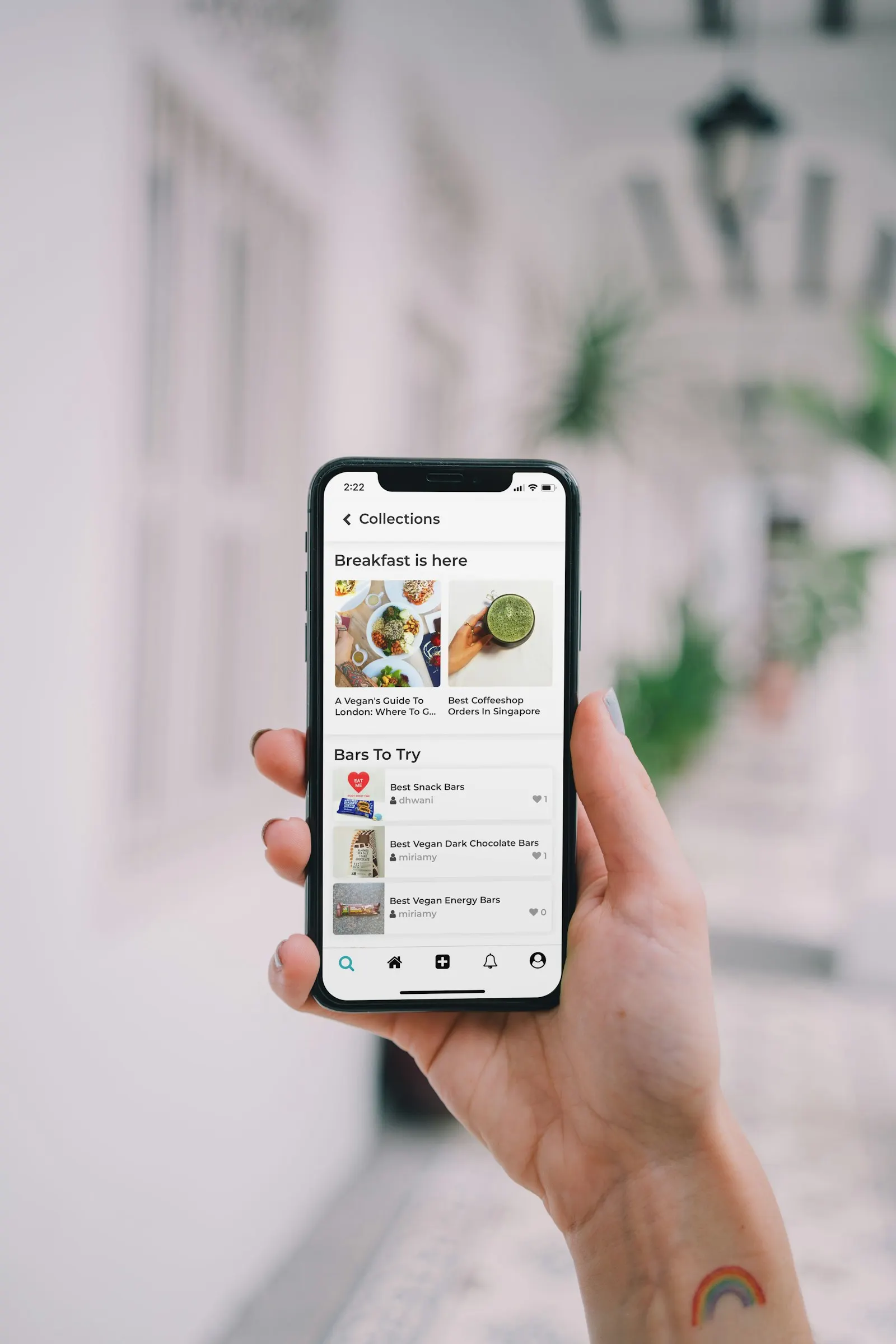
Installing on mobile devices: On mobile devices too, whatever the operating system, an “Add Yeyinti to Home Screen” prompt appears at the bottom when you open the site. When we tap it and choose add, it installs on the device in 3–4 seconds and needs no other download. Opening it, we can see that the PWA looks no worse than a mobile app and is excellent in speed too.
You can explore the other sections by visiting the system yourself and make your decision. Finally, let me note that although a PWA isn't enough for every mobile project, it can be a good choice for most.
Note: The name Yeyinti.com is one a close friend and I came up with by chance. For now, the content inside the system is a DEMO.