
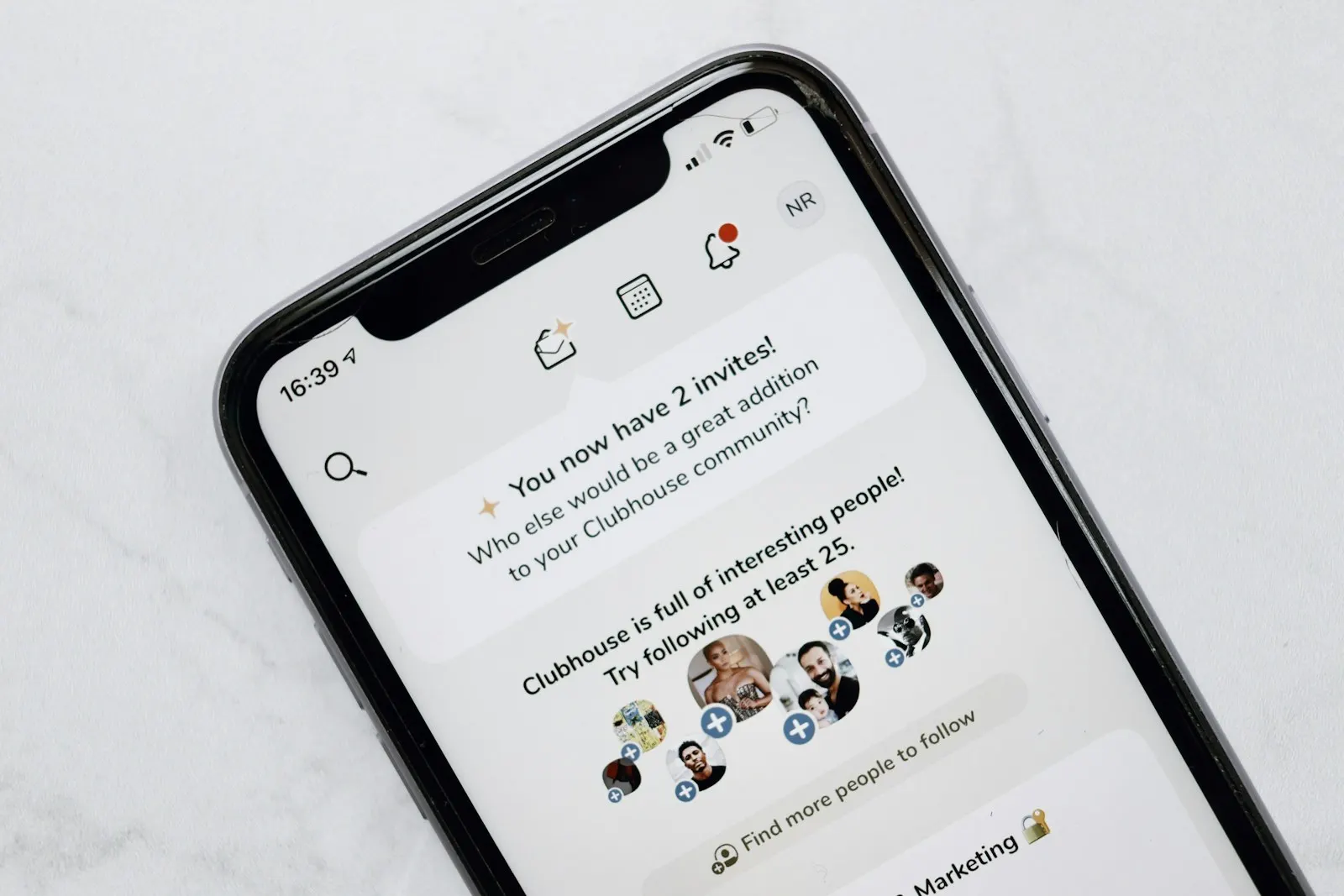
The Android version of ClubHouse can now be downloaded. In a short time, the ClubHouse platform became one of the most famous social networks in the world. Its difficult sign-up process made people even more interested in the app. Available only for iOS, the app angered Android users and even made some people buy an iPhone just to use it.
Seeing this, a Russian developer named Gregory K. decided to adapt the app for Android. Gregory, who rebuilt the app for Android in 2–3 days, uploaded the code openly to GitHub to prove that it's safe.
For now this app can't be installed on Android through the Play Store, but you can do it by downloading the apk directly.
How do you install ClubHouse on Android?
To download it, first go to Gregory's GitHub account.
Steps:
- Open the download link
- Click the HouseClub-release.apk item on the page
- Tap the downloaded apk file and install it
- ClubHouse is now on your Android phone
- To sign up, ask a friend for a ClubHouse invite code and start using the app.